Wishlist
Start with the result you want: a focused, healthy workspace you can use daily
Think "home office setup" as a small system: a work surface sized for your tasks, a seat that protects your body, lighting that reduces strain, and storage that keeps visual clutter out of your headspace. That clarity makes the decisions below faster and prevents buying things you don’t need.
Choose the right location and layout for how you work
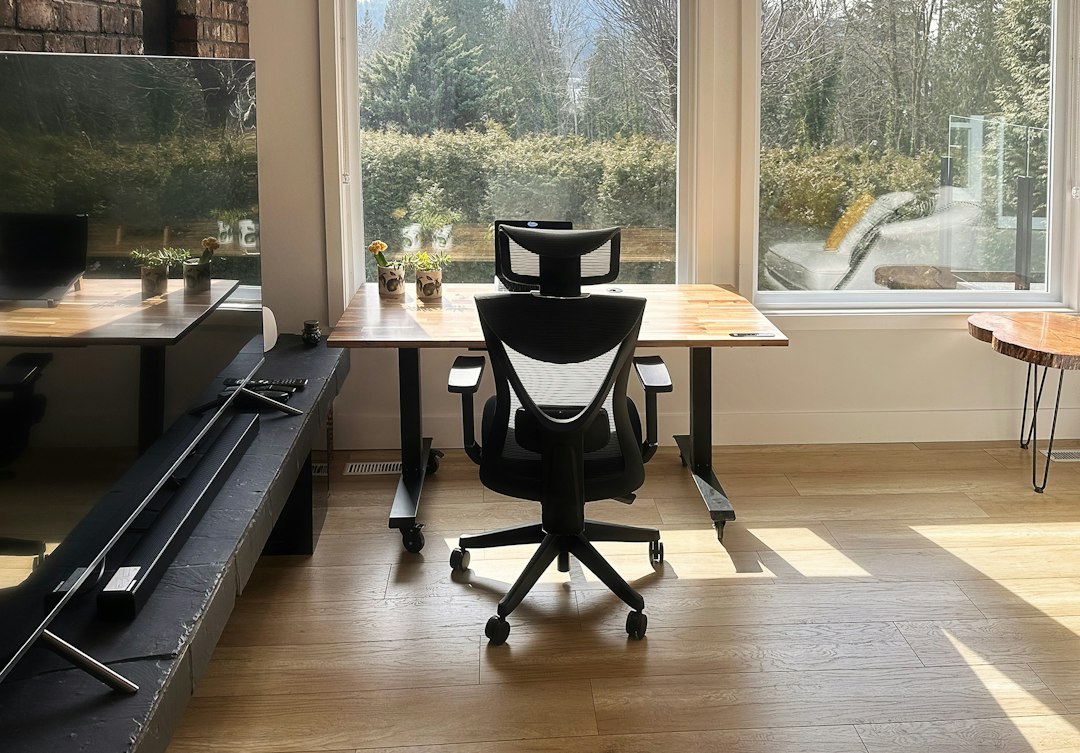
Pick the quietest, most consistently usable spot you have — not necessarily the biggest. Near a window is ideal for mood and daylight, but avoid strong glare on screens by angling the desk or using blinds. If you share space, create clear physical boundaries with a rug, shelf, or screen to cue “work time.”
Measure your chosen area before buying furniture. Aim for at least 48 inches of usable desk width for a laptop plus a second device or a notepad; 60 inches is safer if you use dual monitors. Leave 30–36 inches behind the chair for comfortable movement.
Pick a desk that fits tasks, storage needs and future changes
Match desk style to primary tasks: writing and reading need clear surface space; multiple monitors or craft projects need wider, deeper tops. If space is tight, a 48-inch desk or a wall-mounted fold-down desk works. For frequent position changes, consider a sit-stand option or a converter to protect your back and boost circulation.
Invest in a chair that supports long hours
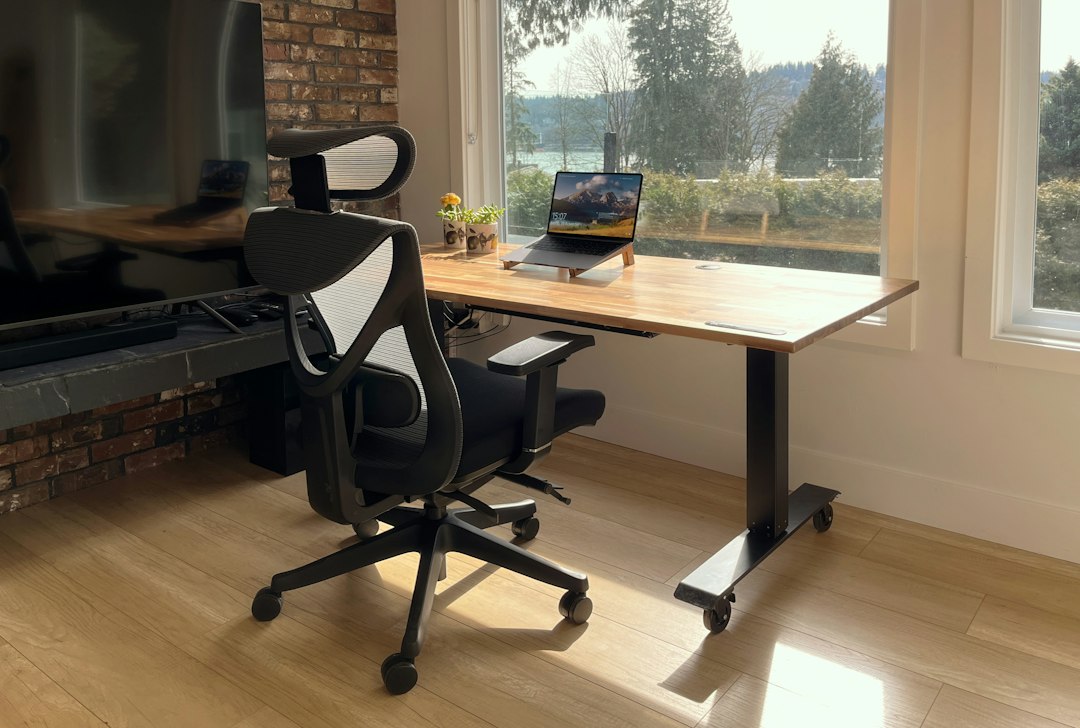
Good seating is the single best long-term comfort investment. Look for adjustable seat height, lumbar support, and a breathable back. If you regularly sit 6+ hours a day, prioritize an ergonomic chair with adjustable lumbar and armrests; it’s worth allocating budget here.
Product suggestion: for a dependable ergonomic choice that fits most bodies, consider the store's top-ranked executive office chair.
Set up ergonomics so your body does less work
Arrange monitor(s) so the top third of the screen sits at or just below eye level and at arm’s length. Keep the keyboard and mouse close enough for relaxed elbows (about 90–100°). If you use a laptop as your primary machine, add a separate keyboard and raise the laptop on a stand or external monitor to avoid neck strain.
Layer lighting to reduce eye strain and boost focus
Use three lighting layers: general (ambient), task (focused on the work area), and accent (soft background). A dimmable overhead plus a directional task lamp gives flexibility for long days. Position task lights to the opposite side of your dominant hand so they don't cast shadows while writing.
For screens, lower ambient contrast between the display and surroundings to reduce eye fatigue: add softer background light rather than working in a dark room with a bright monitor.
Organize storage around workflows, not just items
Group storage by frequency: immediate-use items within arm's reach (notebooks, pens, headset), weekly items in nearby drawers, and archival or rarely used things in closed cabinets. Open shelving or a small desktop organizer is fine for active reference materials; use drawers or boxes for visual calm.
Use simple cable management: a power strip mounted under the desk, adhesive clips, and a small cable sleeve keep cords off the floor and reduce daily friction. Label the few cables you access often.
Minimize distractions and make routines visible
Reduce visual distraction with a clear work surface each morning; keep a notepad or digital task list to capture interruptions so you can return to them later. If you share a home, set visible cues for availability—a small flag or a closed door with a sign can be surprisingly effective.
Adapt for common constraints: small spaces and multipurpose rooms
- Small rooms: choose a narrow desk (18–24" deep) and use vertical storage; a floating shelf above the desk can hold decor and reference books without occupying floor space.
- Multipurpose spaces: build a quick teardown routine—store keyboard and peripherals in a drawer or a slim rolling cart so the table can return to family use.
- Budget limits: prioritize chair and lighting first; temporary desk surfaces can be improvised until you can upgrade.
Maintain comfort and function over time
Schedule short movement breaks and a weekly five-minute tidy that returns everything to its place. Reassess after 30 days: do you need more storage, a monitor arm, or different lighting? Small iterative changes avoid expensive mistakes.
Quick troubleshooting for common problems
- Screen glare: reposition screen perpendicular to the window, use adjustable blinds, or add an anti-glare filter.
- Neck pain: raise the monitor or add a laptop riser; confirm chair height is correct for keyboard position.
- Cluttered desk: remove nonessential items and implement a one-in-one-out rule for paper or decor.
- Measure your space and note power outlet locations.
- Choose a desk sized for your primary tasks and future needs.
- Select an ergonomic chair with lumbar support and adjustability.
- Create layered lighting: ambient + task + soft background.
- Organize storage by frequency of use and hide nonessential items.
- Set a simple daily tidy and 30-day reassessment plan.
Design your home office around how you work most days: visible surface for active tasks, reachable storage for regular items, and an ergonomic chair plus proper screen height. Small, targeted purchases—chair, lighting, and a fitting desk—deliver the most lasting benefit.
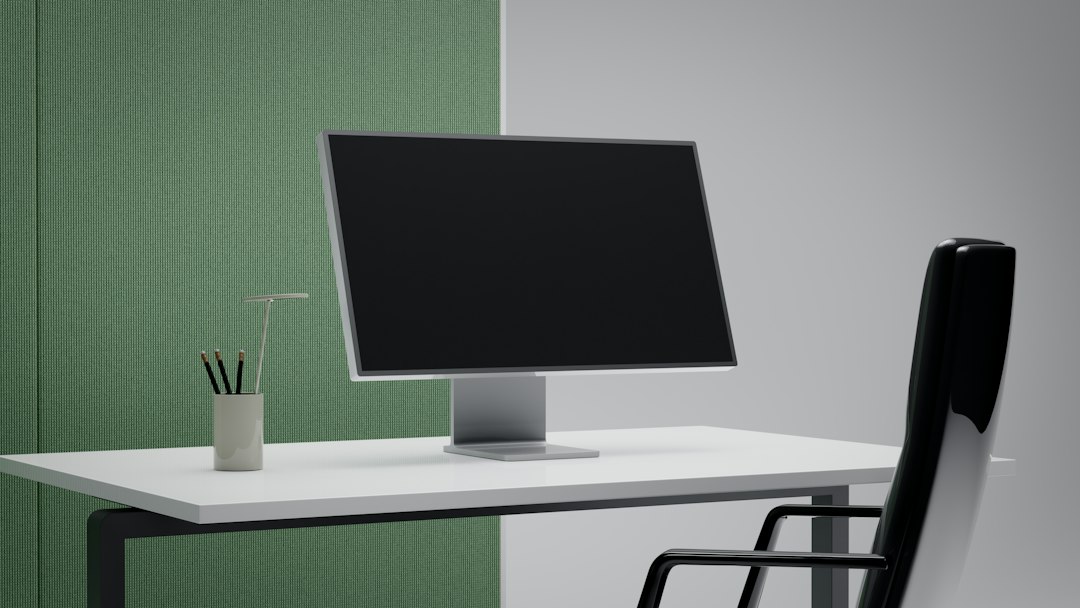
How much desk space do I really need?
At minimum, allow 48 inches width for a laptop plus space to write; 60 inches is better for dual screens. Depth of 24–30 inches suits most monitor setups.
Is a standing desk necessary?
Not necessary, but alternating between sitting and standing reduces prolonged static posture; a converter is a budget-friendly option if you want that flexibility.
What should I buy first on a tight budget?
Prioritize an ergonomic chair and a good task lamp—these address comfort and usability more than decorative purchases.
How do I reduce noise in a shared home?
Use a door, soft textiles (rug, curtains) to absorb sound, and noise-canceling headphones for focused work.
Can I use a laptop alone without accessories?
For short sessions yes, but for daily long work add an external keyboard and raise the screen to eye level to avoid neck and wrist strain.